As an Amazon Associate I earn from qualifying purchases. Learn more.
Disclosure: As an Amazon Associate I earn from qualifying purchases. This guide is independent and based on published specifications and hands-on testing notes.
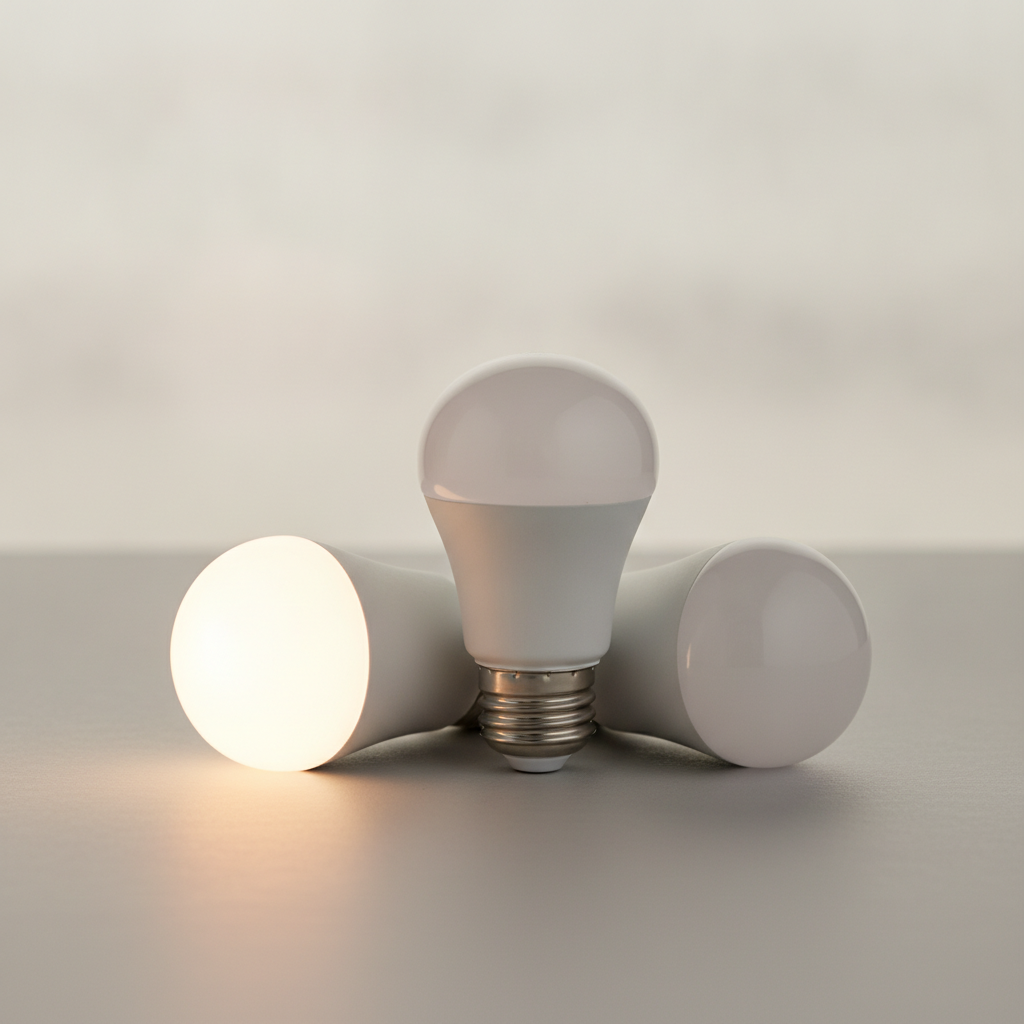
A no-hub smart bulb connects straight to your Wi-Fi — there is no bridge to buy, plug in, or keep updated. For a first bulb, a renter, or a few fixtures, that is the fastest path into smart lighting. Below are the picks we recommend, and the one rule that decides whether no-hub is right for you.
The one rule
No-hub (Wi-Fi) bulbs are ideal up to roughly 15–20 units on a network. Past that, the load on your router starts to show, and a low-power mesh protocol like Zigbee or Thread (which need a hub) scales better. If your plan is a handful of rooms, stay no-hub. If it is a whole house, treat these as a starter.
Our picks
| Pick | Best for | Why |
|---|---|---|
| WiZ Connected A19 | Color on a budget | Full RGB + warm tunable white, no hub |
| Sengled Matter | Cross-ecosystem | Works across Apple/Google/Alexa via Matter |
| Kasa Smart Bulb | Reliability | Rock-solid app, strong value |
What to look for
- 2.4 GHz Wi-Fi: all no-hub bulbs use it; make sure your router exposes it.
- Warm low end: a tunable range that reaches ~2200K gives real cozy light.
- Matter support: future-proofs you for cross-app control.
Verdict
For most people adding smart light to a few rooms, a no-hub Wi-Fi bulb is the right call — cheapest to start, nothing extra to manage. Start with the WiZ Connected A19 for color, or the Sengled Matter for cross-ecosystem flexibility, and scale to a hub-based system only if you outgrow it.
Browse no-hub smart bulbs on Amazon →
As an Amazon Associate I earn from qualifying purchases.